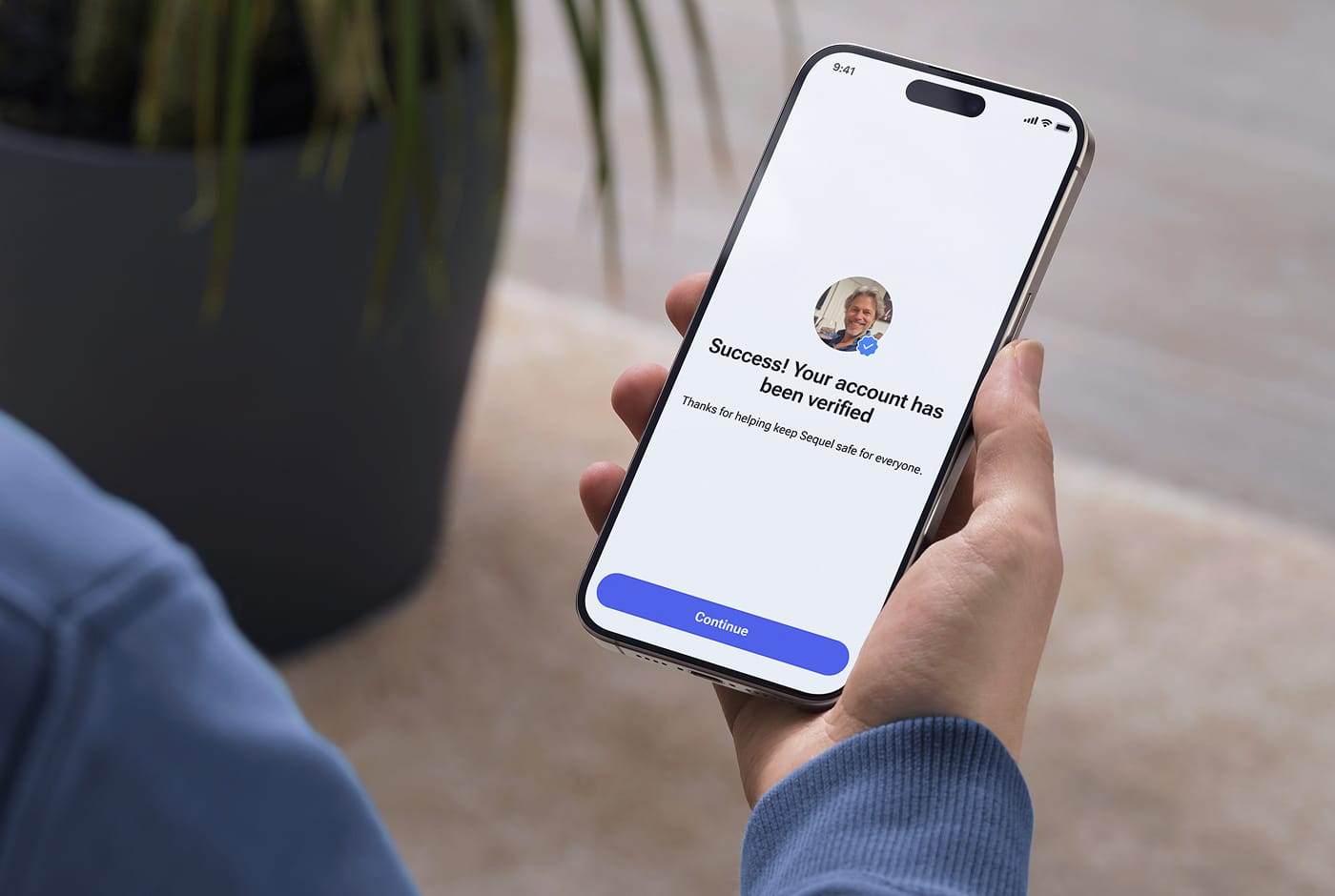
How to Delete Your Account
(and What Happens to Your Data)
Ready to move on? Learn how to delete your dating app account permanently and understand our data security principles regarding your personal information.

At Sequel, we think the exit process matters as much as the onboarding. This guide walks you through exactly how to delete a dating app account, what happens to your data afterward, and a few things worth checking before you close the door for good.
Should You Delete or Just Take a Break?
Before you start looking for the delete button, it's worth asking one question: do you actually want to leave, or do you just need some time off?
There's a difference. Deleting a dating app account is permanent. Your profile, photos, message history, and matches disappear. You can't undo it.
Pausing is different. Most serious dating platforms offer a way to hide your profile temporarily without wiping your data. You go invisible, and nobody new can find you, but your account stays intact. This is a good option if you're:
- Seeing someone new and want to step back without fully committing to leaving
- Going through a busy stretch and know you'll be back
- Feeling burnt out on dating but not ready to reset completely
If you're ready to leave fully, read on.
How to delete a Sequel account: step by step
This is the part most people get wrong. Deleting dating apps from your phone and deleting your account are two completely separate actions.
Uninstalling the app removes the software from your device. Your profile stays on the platform's servers, fully intact. Anyone who had your profile in their feed can still see it. Your photos are still there, and your data is still stored.
To actually remove your presence from the platform, you need to delete the account in the app or on the website before uninstalling.
Steps to delete your Sequel account
Modern app-store rules now require that account deletion be easy and visible inside the app itself.
On Sequel, the path looks like this:
- Open the app
- Navigate to "Profile Settings" within the app
- Find "Delete Account" at the bottom of the page and tap it
- Follow the prompts on the confirmation screen – it should guide you through the deletion process
- Confirm your choice
If you prefer, you can send a formal request from your registered email address to support@thesequelapp.com. Our support team will process your request with high priority.
What if you just want to pause?
If you wish to take a pause or browse the community without being seen, you can use the "Incognito Mode" feature in your settings. This removes you from discovery results while keeping your existing conversations active. Your profile will only be discoverable by people you liked.
What happens to your dating app data after you leave?
This is the question most guides skip, but it's the one that matters most.
What gets deleted immediately
Once you confirm account deletion, the app removes the following:
- Your profile photos and gallery
- Your bio and any profile prompts you filled in
- Your message history with matches
- Your discovery preferences and search filters
This happens quickly. Within a short processing window, your visible presence on the platform is gone.
What may be retained temporarily
Some data categories are handled differently for legal and safety compliance. Transaction records, for example, are typically retained for a defined period as required by financial regulations. It applies across any platform that processes payments, not just dating apps.
Sequel treats its infrastructure as a sensitive-data system. That means minimizing how much raw data is stored in the first place, and not holding onto identifiers or message content longer than necessary. We don't keep a ghost copy of your profile "just in case."
Do dating apps delete inactive accounts?
Dating app data from dormant profiles is a real concern for platform hygiene. A community full of inactive accounts looks worse than it actually is and creates a false picture of who's actually there.
Accounts that have been inactive for an extended period, with no login activity, are usually flagged for cleanup. This keeps the member pool accurate and the community genuine.
If you've been away for a while and want to come back, the safest move is to log in and check your account status rather than assume it's still active.
Our data security principles: your privacy is permanent
Dating app data security starts from the moment you create your account.
Sequel runs on TLS 1.2 and TLS 1.3 encryption, which protects data in transit between your device and our servers. Your profile is not publicly visible, not even with a direct link. Unregistered users can't access it. Personal identifiers like full names, contact details, and financial information are automatically restricted from appearing in public-facing bios.
The verification process adds another layer. Every new member passes a dual-review process: AI-assisted scanning for synthetic content and inconsistent registration patterns, followed by human review for anything that raises a flag. This protects not just your data but also the integrity of the people you're interacting with.
Privacy by design means building the system so that data minimization is the default. You shouldn't have to read a 40-page policy document to understand what's being stored about you.
Common mistakes when you delete dating apps
Forgetting to cancel your subscription
This is the most common and most expensive mistake. Deleting your account does not automatically cancel your subscription billing.
If you subscribed through the App Store (iOS) or Google Play (Android), your billing is managed through Apple or Google, not through the app itself. You need to cancel that separately:
- iOS: Go to Settings, tap your name, then Subscriptions, and cancel from there
- Android: Open Google Play, tap your profile icon, then Payments and Subscriptions
Do this before or immediately after deleting your account. Otherwise, you'll keep getting charged for a service you're no longer using.
Not saving what matters
Once you confirm deletion, your message history is gone. If there's a first message that meant something to you, or a photo exchange you want to keep, save it before you hit that final button.
Take a screenshot of anything worth holding onto. It takes thirty seconds, and you can't go back afterward.
Deleting without pausing first
If you're leaving after meeting someone through the app and things are going well, consider pausing your profile rather than deleting it immediately. Give yourself a few weeks. If the relationship sticks, delete your account with a clear head. If things don't work out, you haven't lost your account history and can reactivate without starting from scratch.